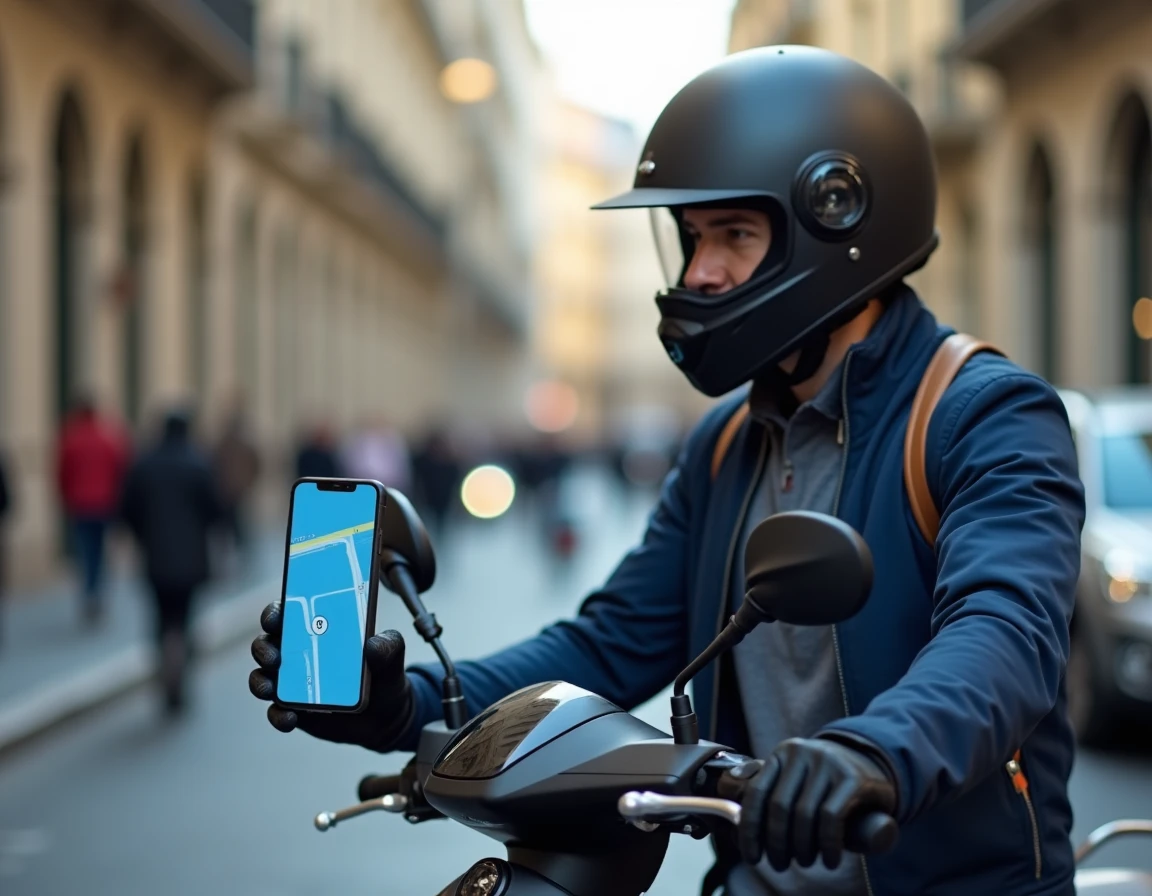
Waze calculates its routes based on the type of vehicle declared in the settings. By default, the app treats each user as a driver, which skews time estimates and excludes certain narrow roads accessible to two-wheelers. Properly configuring the profile for a scooter changes the behavior of the navigation algorithm, but the procedure is not always visible depending on the installed version or region.
Absence of scooter mode in Waze: understanding the issue
Several scooter users open the Waze settings without finding any “motorcycle” or “scooter” option in the vehicle type menu. This is not a manipulation error. Waze does not offer a distinct native scooter mode separate from motorcycle mode, and depending on the versions of the app or geographic areas, even the “Motorcycle” option may not appear.
The deployment of this feature remains gradual. A user in France may have the setting while another, with the same version of Android or iOS, does not see it. Online guides that describe a five-click manipulation almost never specify this variability. As a result, some scooter riders think they have missed a step when the menu simply does not exist on their installation.
Before any configuration attempt, the first useful check concerns the app update. Waze deploys its features in waves, and a version from a few months ago may not include the vehicle selector. Go to the store (Google Play or App Store), force the update, and then restart the app.
The detailed procedure to activate Waze GPS for scooters covers each step from the main menu, including cases where the setting does not appear immediately.
Configuring motorcycle vehicle type in Waze: procedure on Android and iOS
When the option is available, the path remains the same on both systems. Here is the complete sequence:
- Open Waze, then tap on “My Waze” (icon at the bottom left) and access Settings via the gear icon.
- Select “Navigation,” then look for the “Vehicle Type” line in the list of options.
- Choose “Motorcycle” from the dropdown menu. There is no separate “Scooter” category: the Motorcycle mode covers all motorized two-wheelers.
- Return to the map. The algorithm now adjusts its route calculations and time estimates.
The Motorcycle mode changes two main behaviors: travel times become more realistic for a two-wheeler (taking into account lane splitting in certain areas), and routes may use roads too narrow for a car.
GPS Permissions: the often-overlooked prerequisite
On Android, Waze requires that location be allowed at all times or at least while in use. Without this permission, the app cannot calculate a route, regardless of the configured vehicle type. The setting can be found in Phone Settings, then Apps, then Waze, then Permissions, then Location.
On iOS, the same principle applies. Prefer “Always” or “When the app is active” to avoid interruptions in voice guidance in the background. A poorly authorized GPS is the primary cause of malfunction, even before any issues related to the vehicle profile.
Waze settings suitable for urban scooters
A scooter in the city does not have the same constraints as a road motorcycle. Trips are short, stops are frequent, and the readability of the screen on a handlebar mount becomes a real issue. Waze does not offer a “urban scooter” profile, but several complementary settings enhance the experience.
Speed alerts and risk zones
Activate the speed limit alert in the navigation settings. On a scooter, the speedometer is often less accurate than in a car. The real-time GPS speed display serves as a reliable reference, especially in 30 zones or when approaching a fixed radar.
Community reports (accidents, obstacles on the road, police presence) remain active regardless of the vehicle type. On a two-wheeler, these alerts have a direct impact on safety: a pothole reported by another user can prevent a fall.
Voice guidance and mounting support
On a scooter, looking at the phone screen while riding is both dangerous and illegal. Voice guidance should be activated at maximum volume or relayed to a Bluetooth headset. Access Settings, then Sound and Voice, then adjust the volume of alerts and navigation instructions.
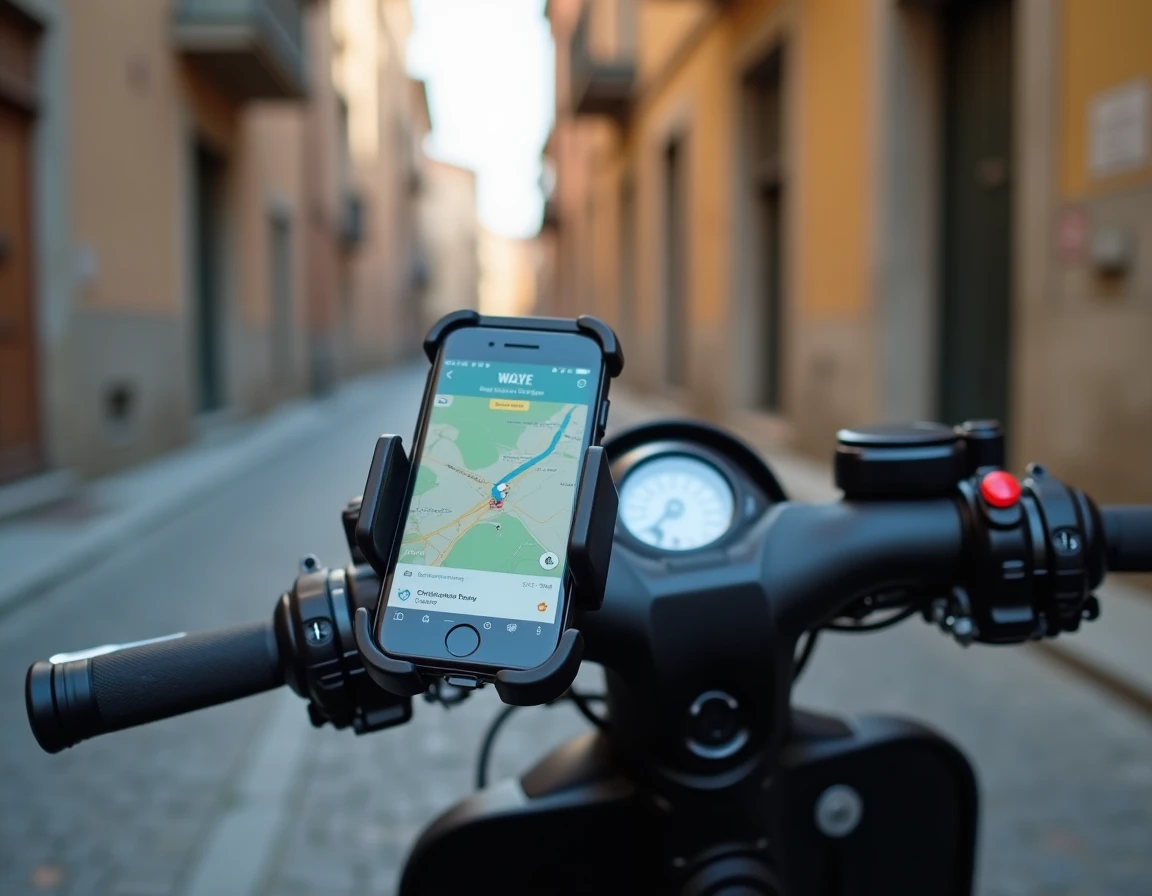
Mounting the phone on the handlebar exposes the device to vibrations, which can damage the camera module on some smartphones. A mount with vibration dampening protects the phone and keeps the screen readable without requiring the gaze for more than a fraction of a second.
What to do when the motorcycle setting does not appear in Waze
If after updating the “Vehicle Type” option remains absent or only offers “Private Vehicle” and “Taxi,” several avenues exist.
- Uninstall and then reinstall Waze. A corrupted or very old installation may retain a cache that hides new options.
- Check that the Waze account is properly connected (and not in guest mode). Some features only appear for authenticated users.
- Be patient. Regional deployment means that the feature may arrive with a few weeks’ delay.
In the meantime, Waze still calculates usable routes for scooters. The “Private Vehicle” mode remains functional for basic navigation. The difference lies in the accuracy of estimated times and potential access to shortcuts reserved for two-wheelers.
For riders who use Waze daily on a scooter, configuring the motorcycle profile and GPS permissions is the technical foundation. The rest, community alerts, real-time reports, route choices, relies on the active community of the app, which reports dangers much faster than any centralized system.